Your First MTD Quarterly Update Is Due: What you need to know before 7th August 2026
Your First MTD Quarterly Update Is Due: What You Need to Know Before 7 August 2026
Making Tax Digital for Income Tax is now underway—and the first important reporting deadline is approaching.
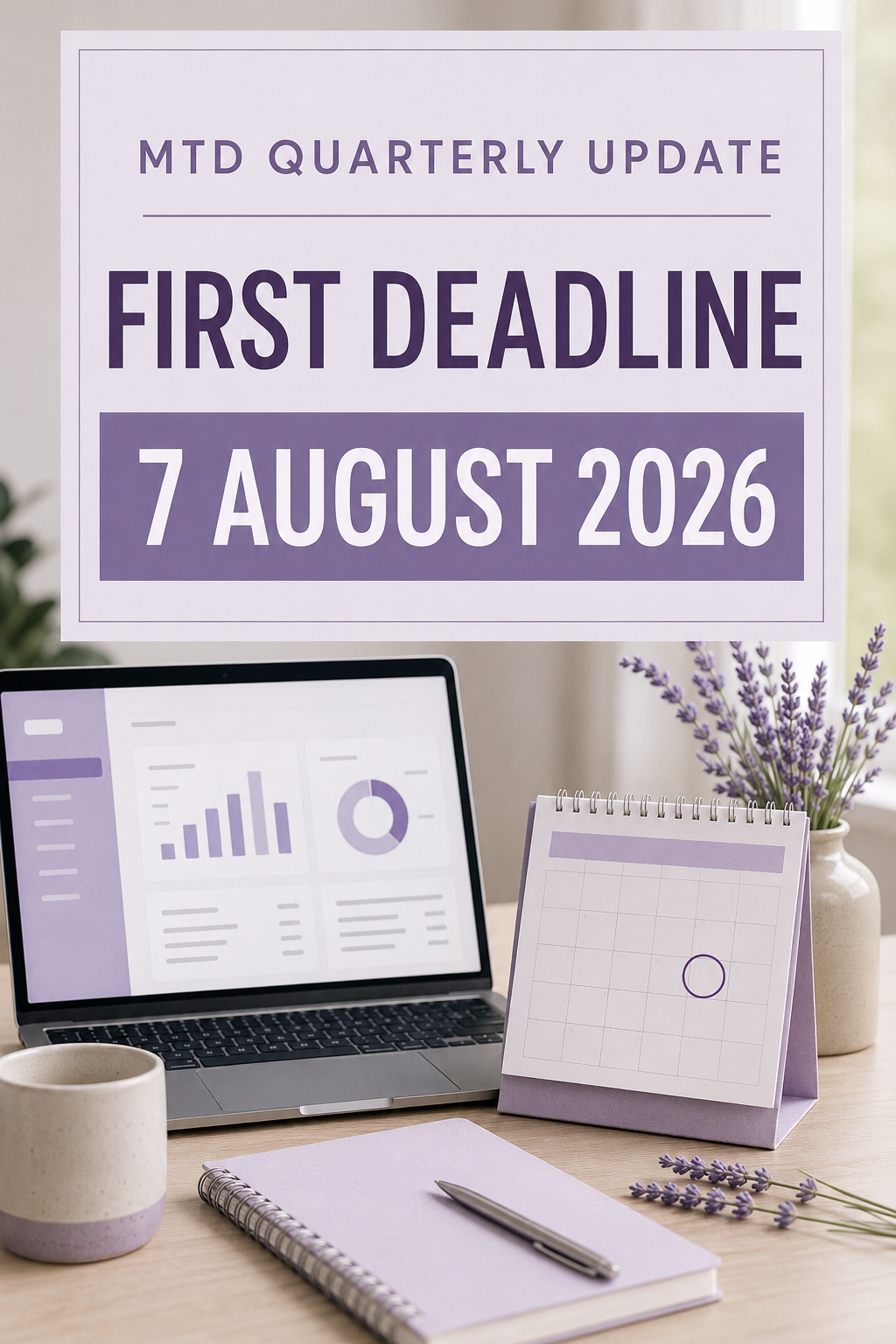
For most sole traders and landlords who joined Making Tax Digital for Income Tax in April 2026, the first quarterly update must reach HMRC by 7 August 2026.
If this applies to you, you may be wondering what information you need to submit, whether your records must be completely finalised and what happens if you miss the deadline.
The reassuring news is that a quarterly update is not the same as completing a full tax return. However, it is important to get your digital records up to date and begin establishing a reliable quarterly bookkeeping routine.
Who needs to submit an MTD quarterly update?
Making Tax Digital for Income Tax became mandatory on 6 April 2026 for sole traders and landlords whose total qualifying income for the 2024/25 tax year was over £50,000.
Qualifying income generally means your gross income from self-employment and property before expenses are deducted. If you have both types of income, they are considered together when deciding whether you exceed the threshold.
The scheme is being introduced gradually:
Qualifying income over £50,000: from April 2026
Qualifying income over £30,000: from April 2027
Qualifying income over £20,000: from April 2028
HMRC may have written to you if its records indicated that you needed to join. However, not receiving a letter does not automatically mean that you are outside the rules. It remains your responsibility to check whether they apply to you.
Some people may be exempt, including those who are digitally excluded. An exemption is not always automatic, so you should check the current HMRC guidance or seek professional advice if you believe you may qualify.
You can use HMRC’s online tool to check when you need to join.
What is the first MTD quarterly update deadline?
The first quarterly update deadline is:
7 August 2026
For businesses using the standard update periods, this update covers records from 6 April to 5 July 2026.
Businesses with an accounting period running from 1 April to 31 March may choose calendar update periods instead. In that case, the first period broadly covers 1 April to 30 June.
Your software will normally use standard periods automatically. If calendar periods are more suitable, this choice must be made in your software before sending the first update. Once selected, it cannot be changed again during that tax year.
The remaining quarterly deadlines for 2026/27 are:
7 November 2026
7 February 2027
7 May 2027
Putting these dates into your calendar now can help quarterly bookkeeping become a regular routine rather than another last-minute rush.
What information is included in the quarterly update?
You must keep digital records of your business or property income and expenses using compatible software.
The software then uses those records to calculate totals for the relevant income and expense categories. You review the figures and send the update electronically to HMRC.
HMRC does not require you to send copies of every individual receipt or transaction as part of the quarterly update. It receives the totals generated from the digital records held within your software.
If you have more than one separate income source—for example, a sole-trader business and rental income—you will normally need to submit a quarterly update for each source.
This makes it especially important to ensure income and expenses are recorded against the correct business or property source.
Does everything need to be completely finalised?
A quarterly update is not a complete tax return.
HMRC confirms that you do not need to make all your year-end accounting or tax adjustments before submitting it. The update is based on the digital records you have created for the quarter.
However, this doesn’t mean accuracy can be ignored.
Before submitting, it is sensible to:
Reconcile your business bank account
Check that all sales and other business income are recorded
Add any cash transactions
Upload or record your expenses
Check that personal spending has not been included as a business expense
Look for duplicated or unexplained transactions
Confirm that entries relate to the correct income source
Keeping the figures as accurate as reasonably possible will reduce the amount of correcting and tidying required later.
Once the update has been submitted, you should be able to see an estimated tax calculation. Remember that this is only an estimate based on the information reported so far—it is not a final tax bill.
How do you submit the update?
Quarterly updates must be sent through software that is compatible with Making Tax Digital for Income Tax. They cannot simply be typed into your ordinary HMRC online Self Assessment account.
Your basic process will usually be:
Make sure you are correctly registered for MTD for Income Tax.
Check that your compatible software is connected and authorised to communicate with HMRC.
Bring your digital income and expense records up to date.
Reconcile the relevant bank transactions.
Review the quarterly totals generated by the software.
Submit the update to HMRC through the software.
Keep confirmation that the submission was successful.
FreeAgent is one example of compatible software for sole traders and unincorporated landlords. It can prepare quarterly income and expense totals from your digital records and send them to HMRC. Updates can be sent through its desktop service or mobile app.
The most suitable software will depend on your business, income sources and the support you require. Software should make the process easier, but it still needs to be set up and used correctly.
What happens if you miss the 7 August deadline?
HMRC has confirmed that it will not apply penalty points for late quarterly updates during the 2026/27 tax year.
This gives taxpayers time to adjust to the new system, but the update should still be completed.
You must bring your quarterly submissions up to date before you can submit your final tax return for the year. Penalties can also still apply to late tax returns and late tax payments.
From the second year of MTD for Income Tax, the points-based penalty system will apply to missed quarterly deadlines. Under that system, reaching four points can result in a £200 penalty.
It is therefore much better to establish a reliable process during this first year, even though the quarterly penalty points have temporarily been removed.
Do you still need to complete Self Assessment?
If you joined MTD for Income Tax in April 2026, you will still need to complete your ordinary 2025/26 Self Assessment tax return by 31 January 2027.
That return covers the tax year immediately before your MTD reporting began.
Your four MTD quarterly updates cover the new 2026/27 tax year. After that year ends, you will complete the necessary end-of-year process and submit your final declaration through compatible software.
The quarterly updates do not mean that you pay your Income Tax four times a year. Your normal tax payment deadlines, including payments on account where applicable, continue separately.
A quarterly routine can make MTD more manageable
The easiest way to manage MTD is to avoid treating each deadline as a separate emergency.
A simple monthly routine could include:
Uploading receipts as they arise
Checking imported bank transactions
Recording cash income and expenditure
Reconciling the bank account
Reviewing unpaid invoices
Putting aside money for tax
If your books are maintained throughout the quarter, the update should become a review-and-submit exercise rather than three months of bookkeeping squeezed into one stressful afternoon.
Need support with Making Tax Digital?
If you are unsure whether MTD for Income Tax applies to you, haven’t set up compatible software or need help bringing your records up to date before 7 August, you do not have to work it out alone.
Lavender Ledger offers calm, practical bookkeeping support for small businesses and can help you understand what needs to be done, establish a manageable digital system and keep your records organised throughout the year.
Get in touch through the Lavender Ledger website to discuss the support you need—without judgement or unnecessary jargon.